WiFi 7 equipment is now widely available, and the new phones and laptops in your house probably already support it. The headline speeds are impressive, but the improvements that matter most at home are less flashy.
What WiFi 7 changes
- Wider channels in the 6 GHz band, which means more room for fast, uncrowded connections.
- Multi-link operation, which lets a device use more than one band at once, so video calls and streaming stay steadier when the network is busy.
- Better handling of crowded networks, which matters in homes with dozens of connected devices.
What it does not fix
WiFi 7 cannot push a signal through stone, stucco, tile and plaster any better than the last generation could. If a bedroom or the back patio is a dead zone today, a faster router in the same closet will not fix it. The answer is still access points placed where you live, wired back to the rack with network cable.
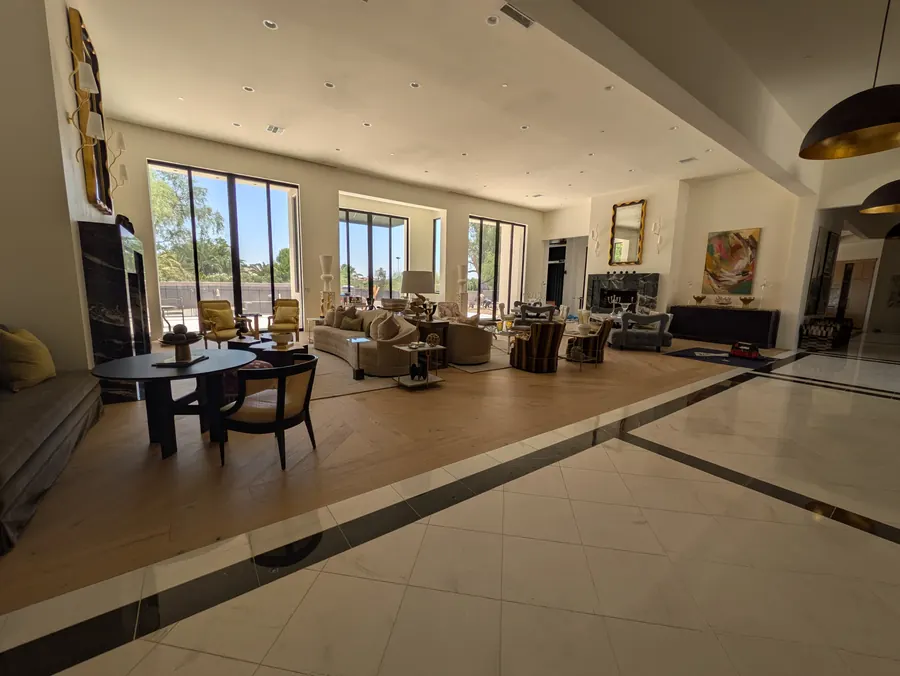
This is true whether you are trying to cover a Paradise Valley lot that runs out to a casita and pool, or a Marin hillside home spread across three levels.
When an upgrade makes sense
- Your current equipment is more than five years old.
- You are adding cameras, streaming in more rooms, or working from home.
- You are building or remodeling and can run new cable now.
If your network is newer and well designed, adding WiFi 7 access points over time is a perfectly good plan. If it is a router from the internet provider and a couple of extenders, the bigger upgrade is the design, not the standard.
Not sure where your network stands? Book a walkthrough and we will test coverage room by room.